
A wedding planner spreadsheet that does the math for you
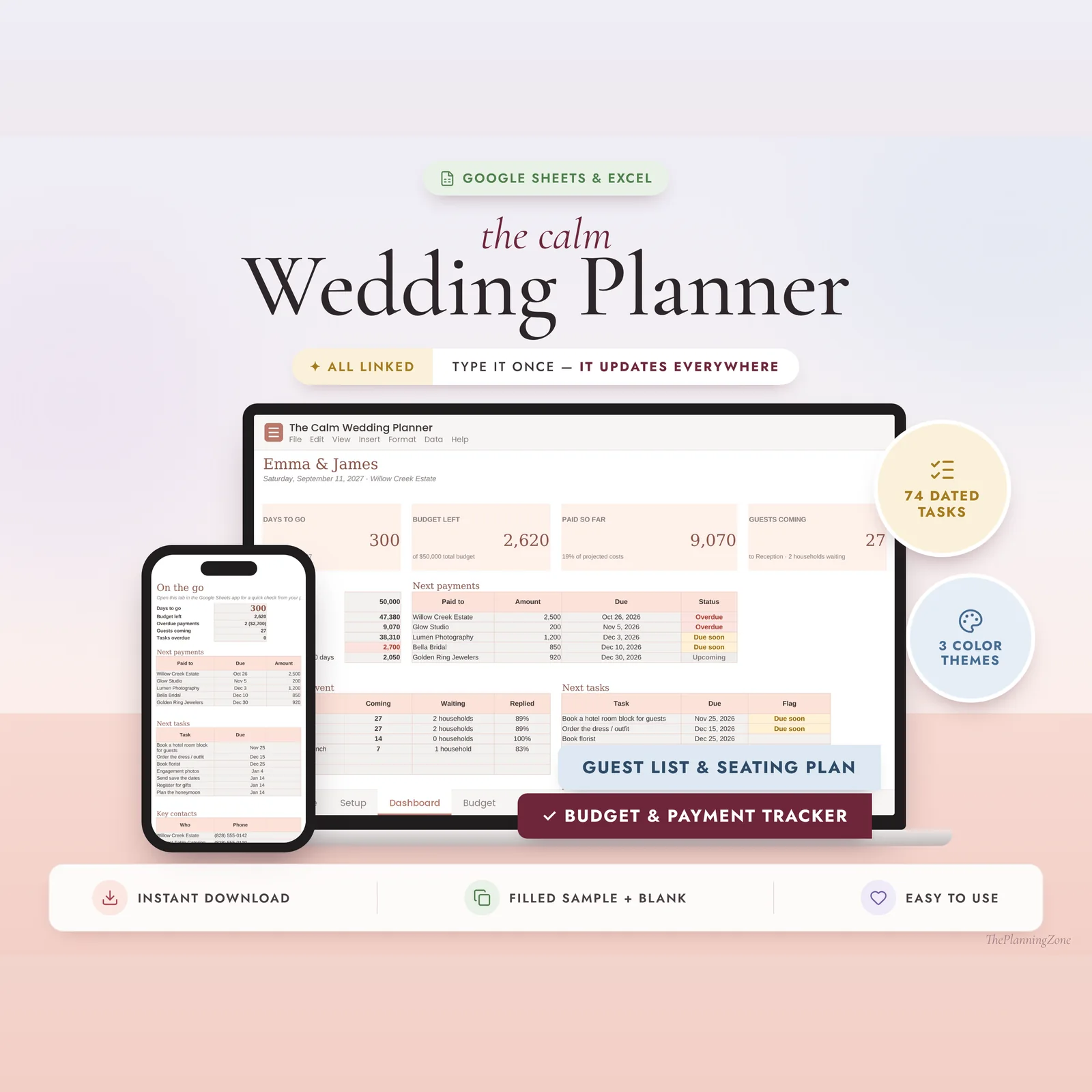
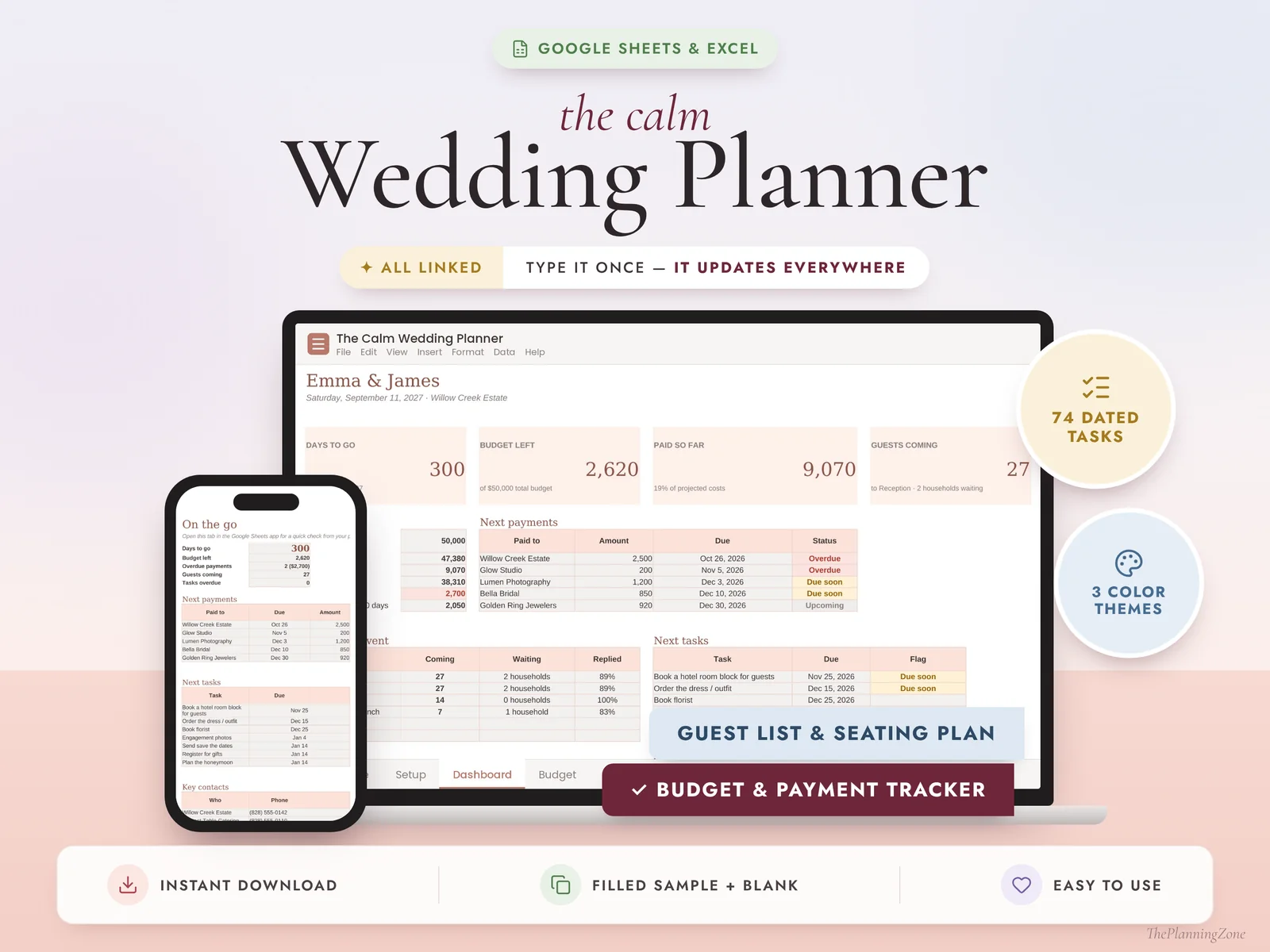
Wedding planning usually ends up spread across notes apps, emails and a dozen browser tabs. The Calm Wedding Planner puts everything in one place: a Google Sheets and Excel wedding planner where every tab talks to the others. Add a guest once and they appear in your RSVP counts and seating plan. Log a deposit and your budget, payment schedule and Dashboard update on their own.
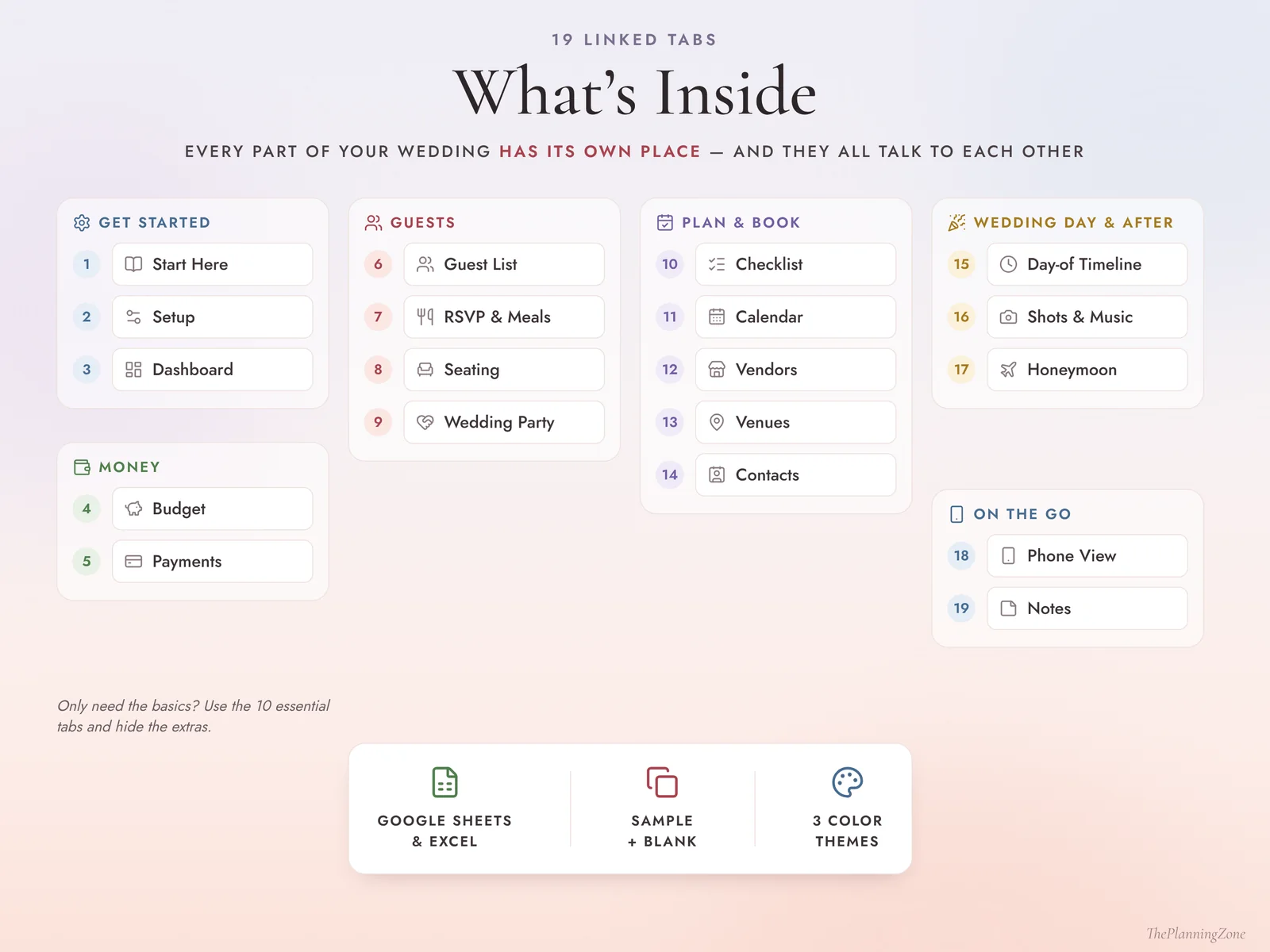
What’s inside: 19 linked tabs
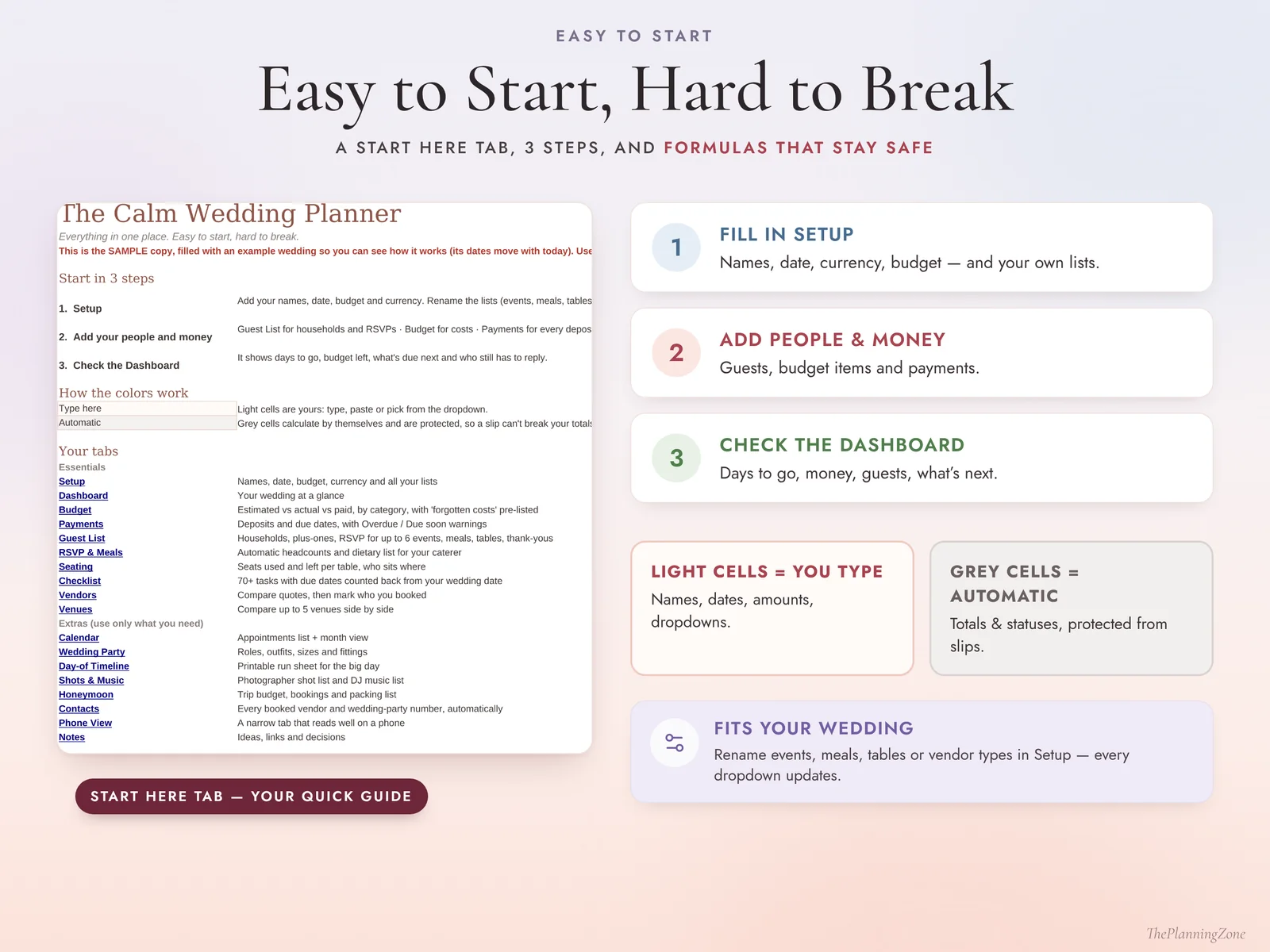
Get started
- Start Here: a short guide to the planner.
- Setup: names, wedding date, currency and total budget. Rename events, meals, tables and vendor types and every dropdown follows.
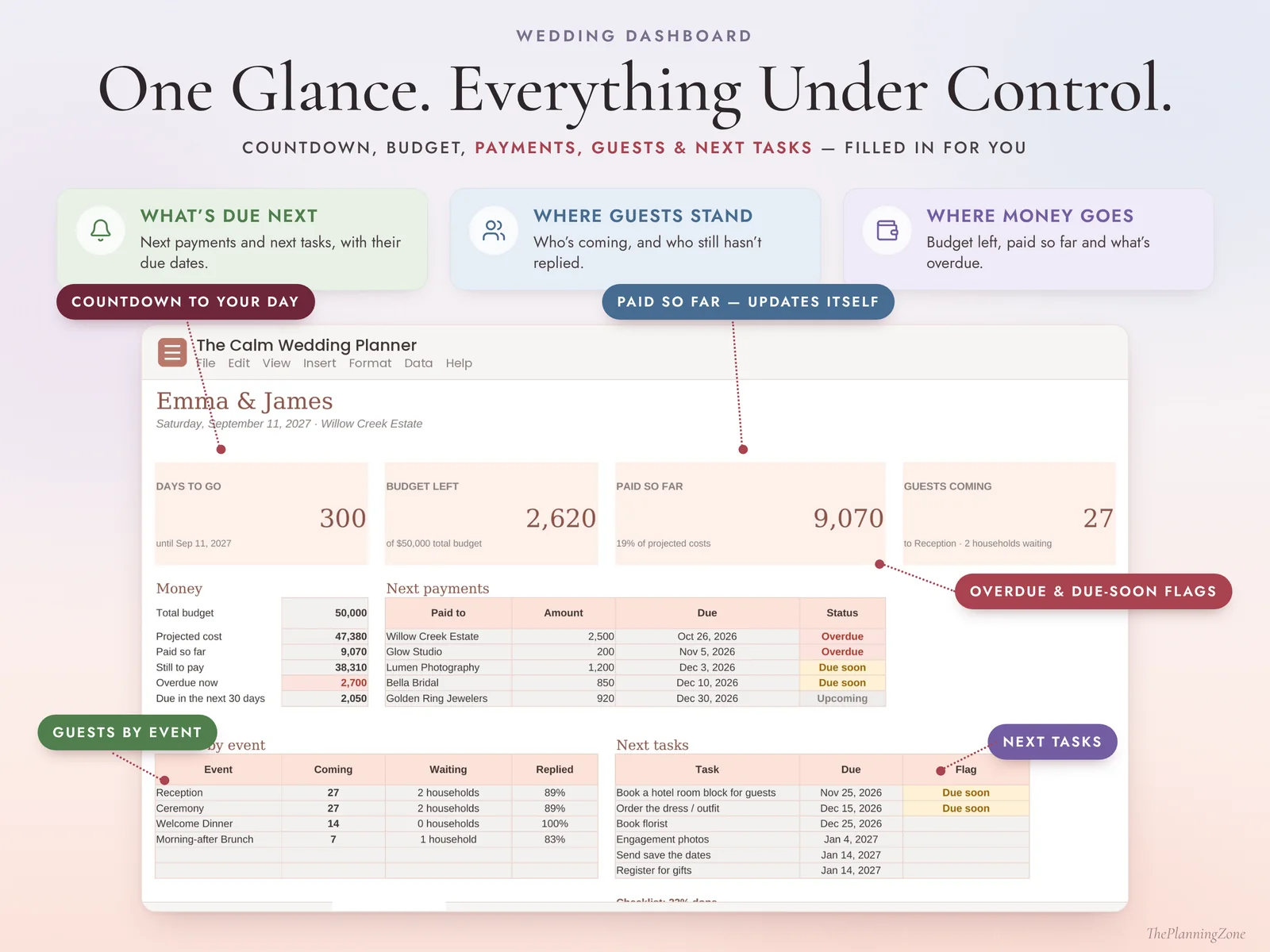
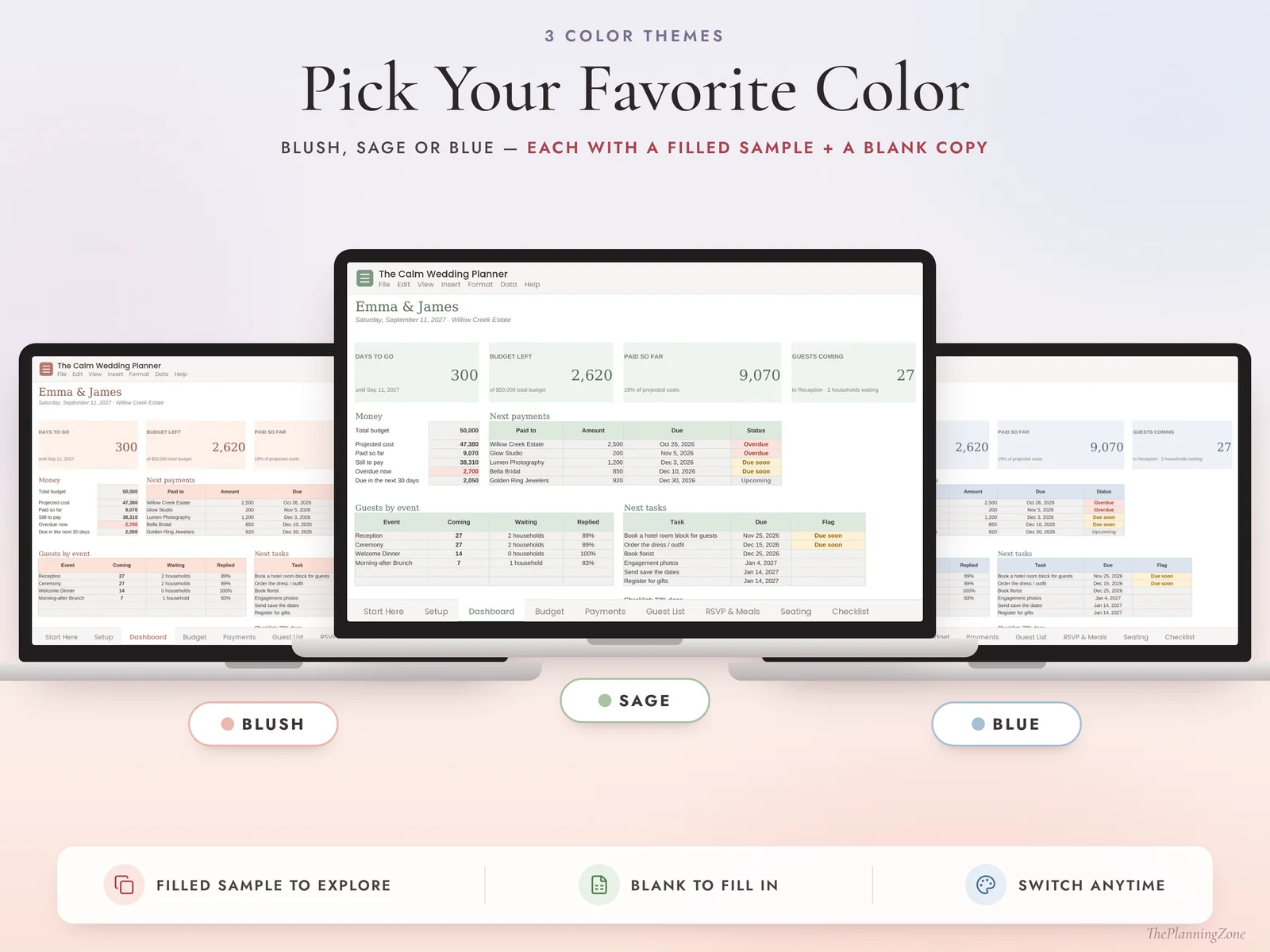
- Dashboard: days to go, budget left, next payments due, who still needs to reply and your next tasks.
Money
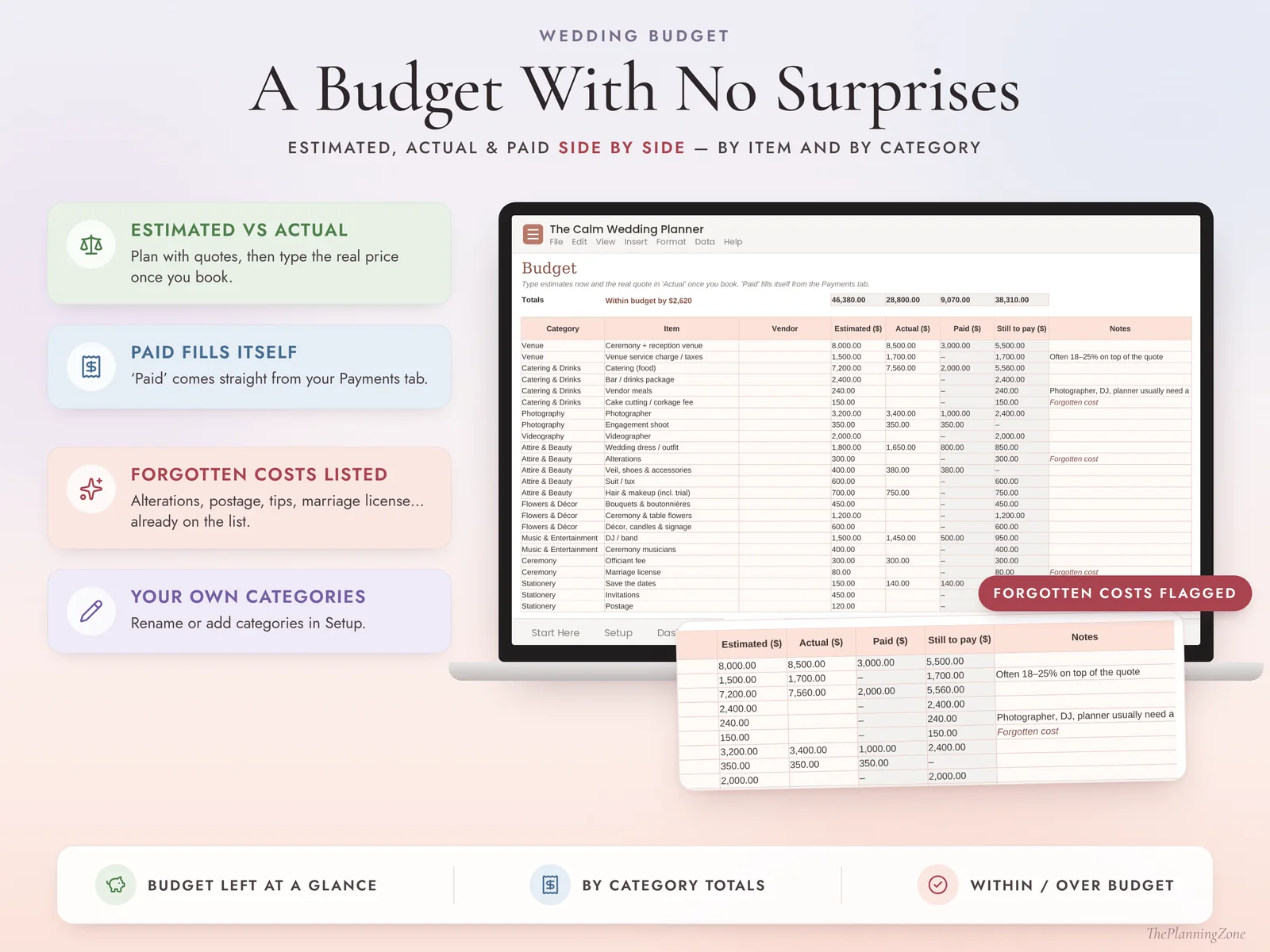
- Budget: estimates now, real quotes later, with totals by category.
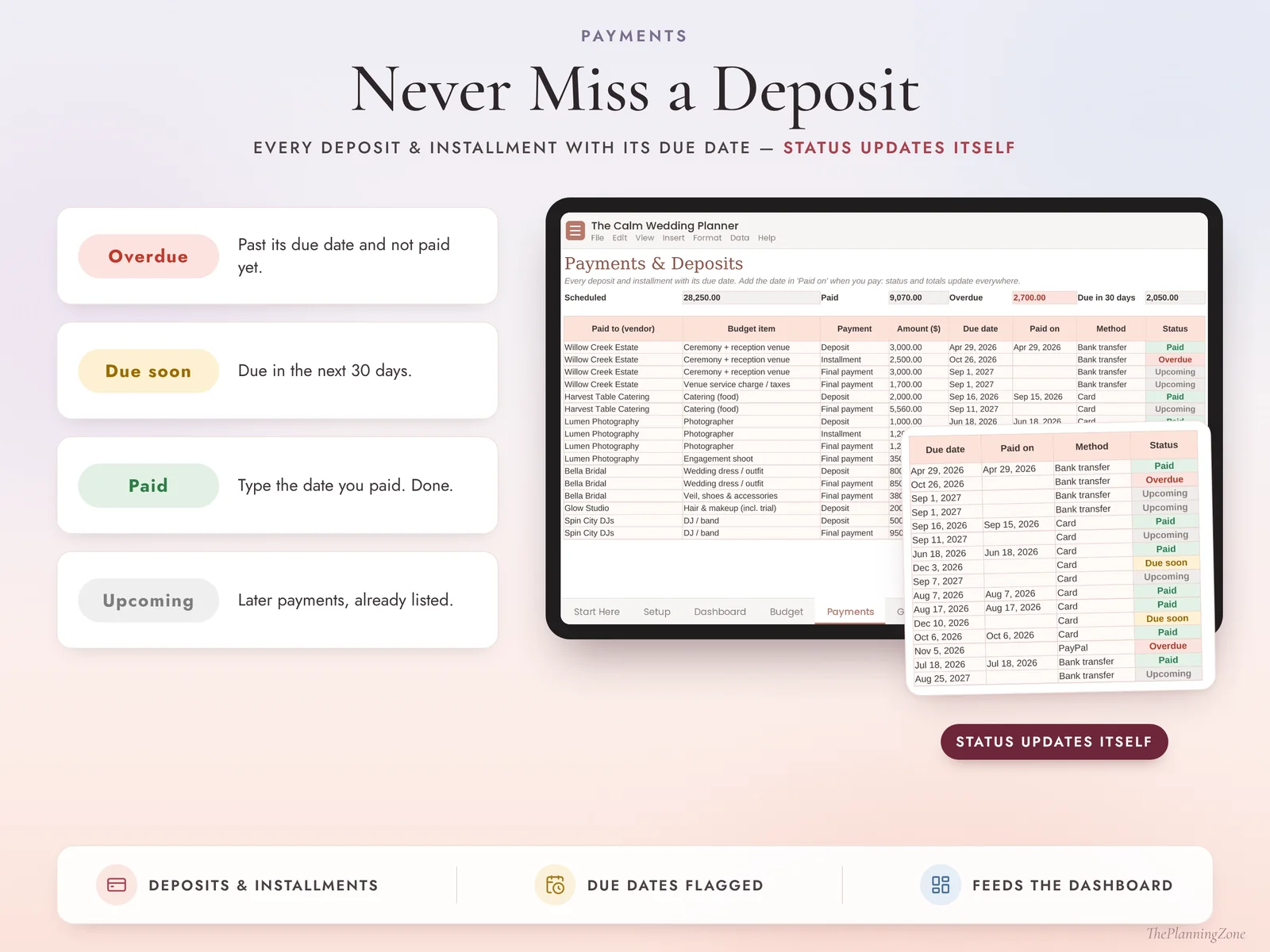
- Payments: every deposit and balance with its due date. Type the “Paid on” date and the status changes by itself.
Guests
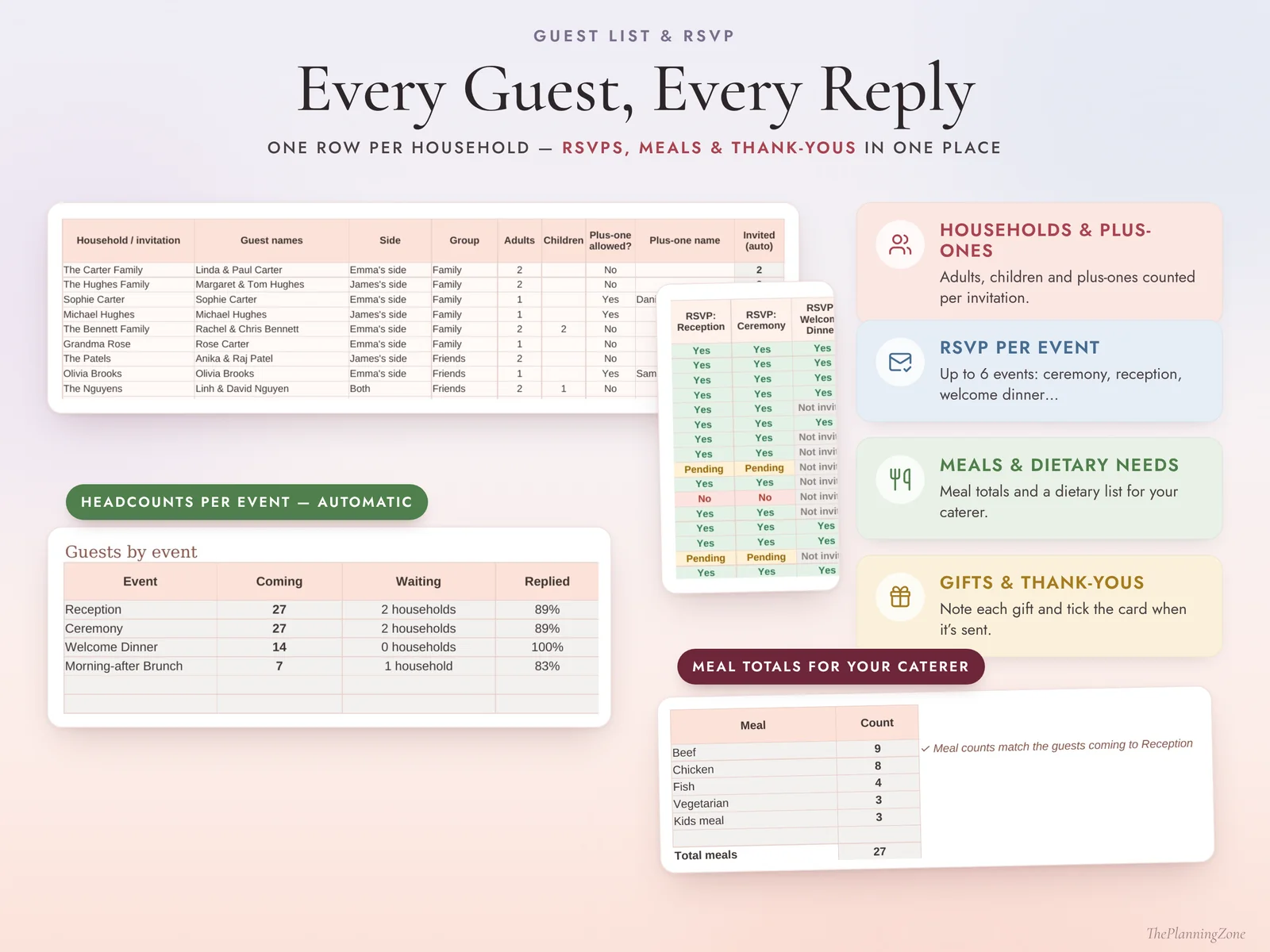
- Guest List: one row per household.
- RSVP & Meals: track replies for up to 6 events (welcome drinks, ceremony, reception, brunch…).
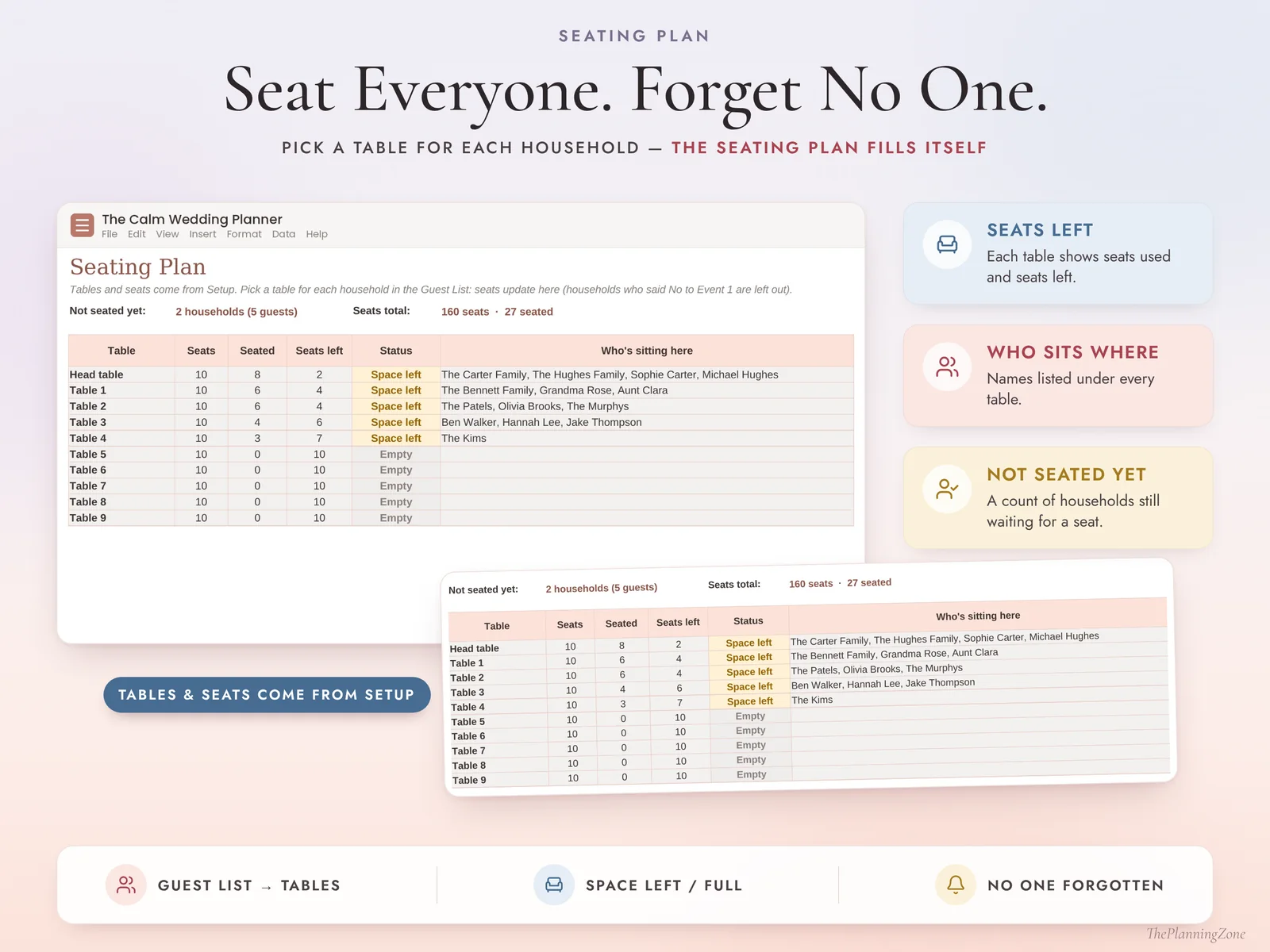
- Seating: pick a table for each household and see the seats add up.
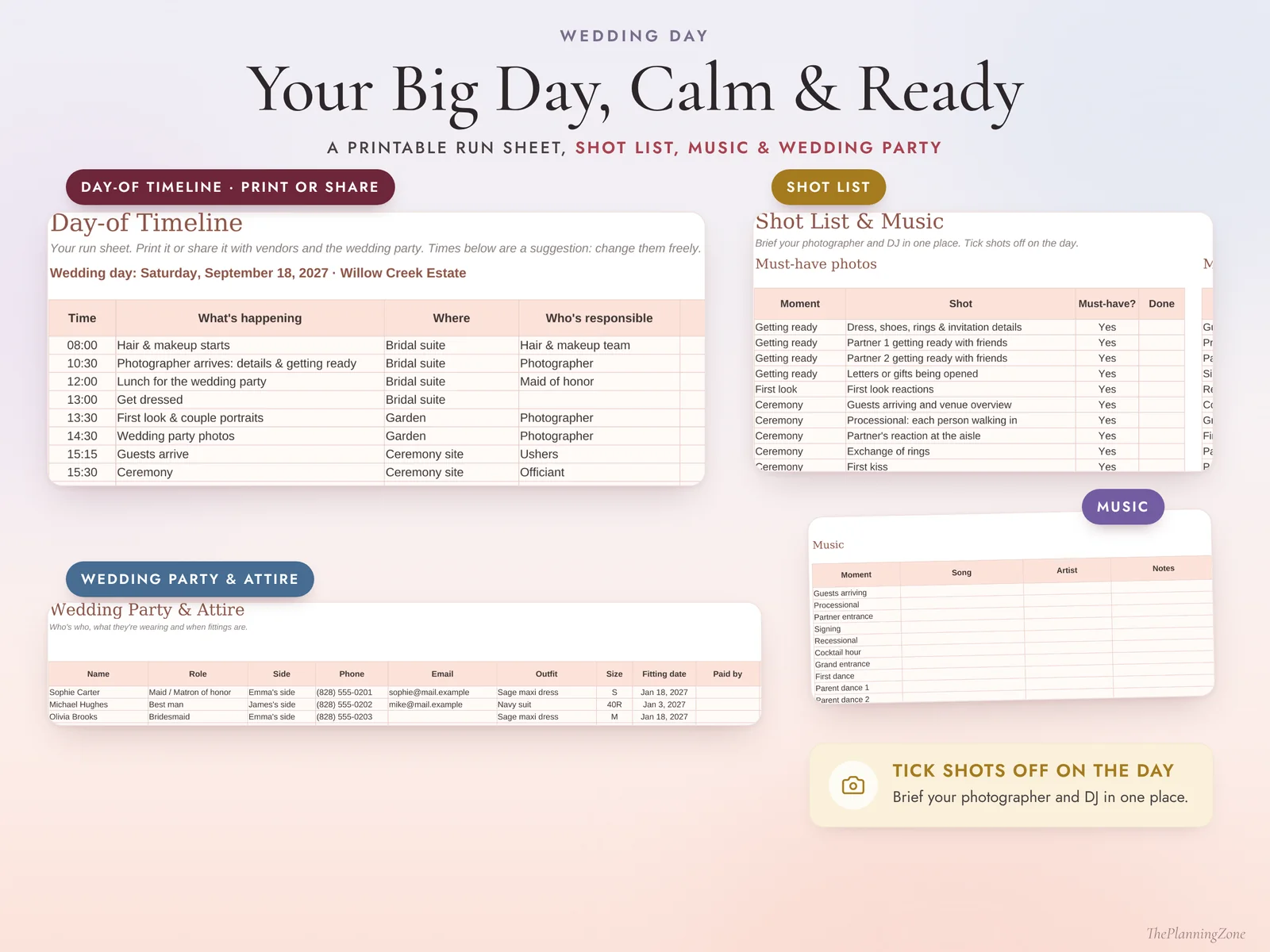
- Wedding Party: who’s who, roles and contact details.
Plan & book
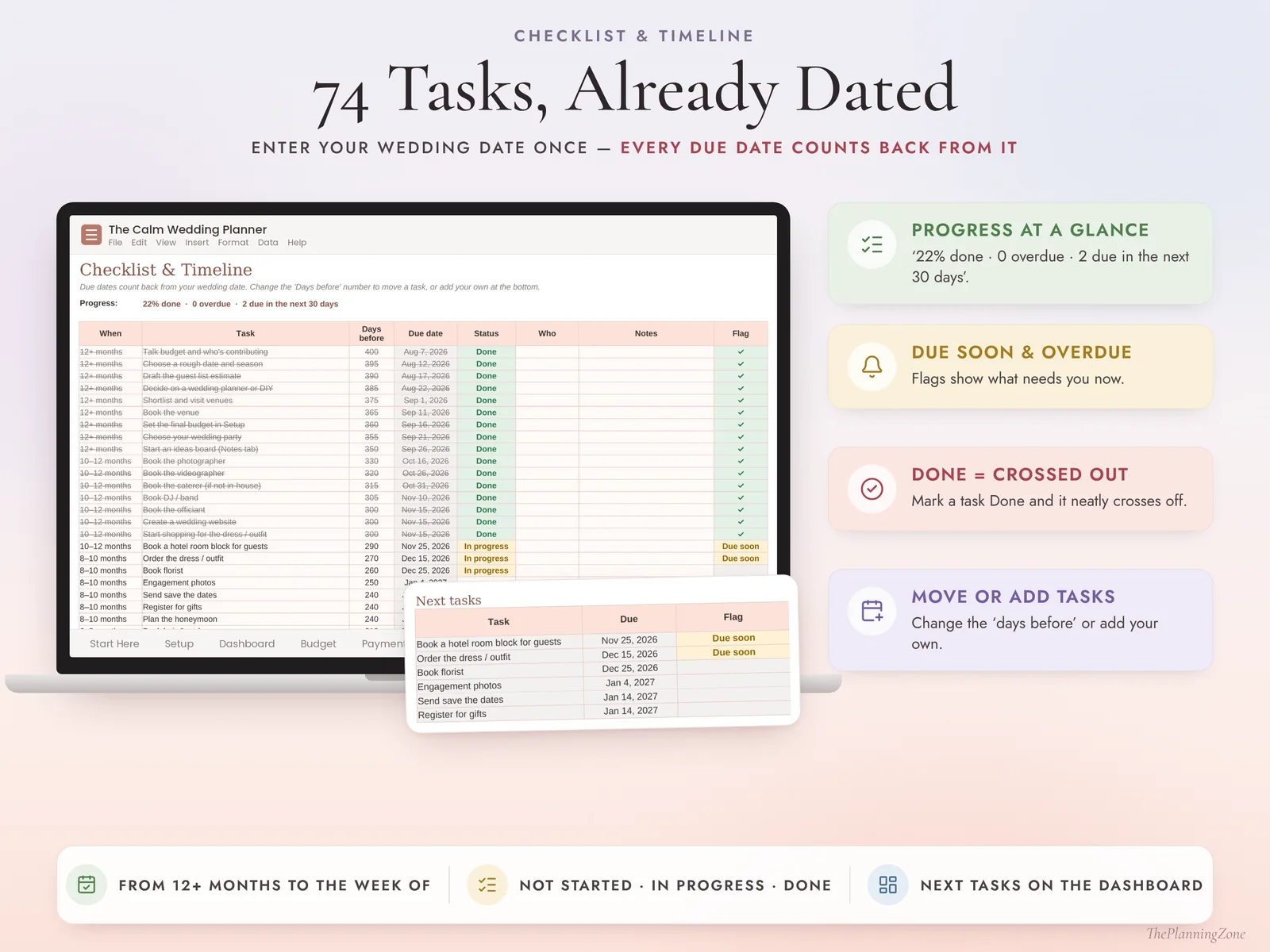
- Checklist: 74 tasks dated automatically from your wedding date. Change “Days before” to move a task.
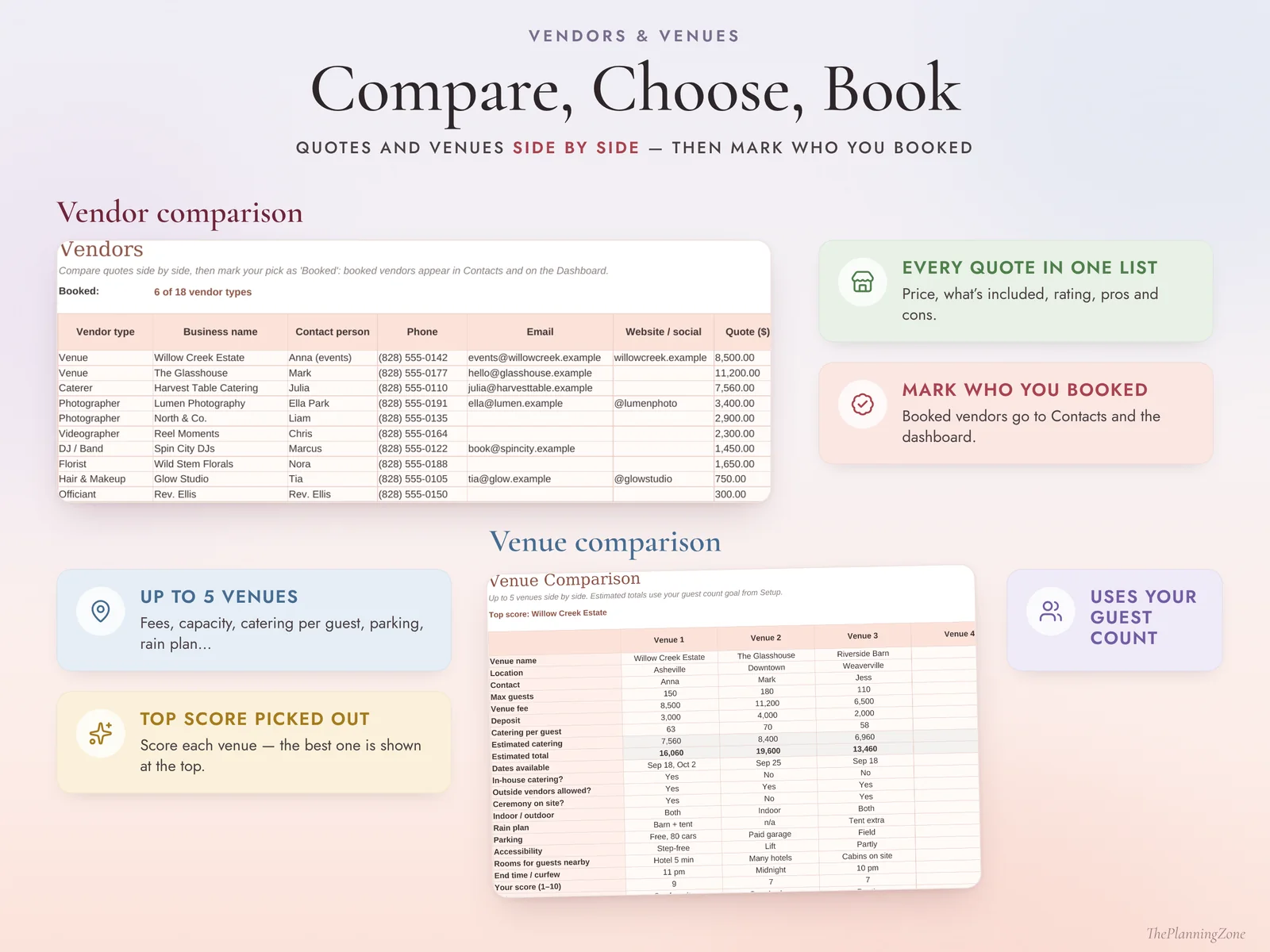
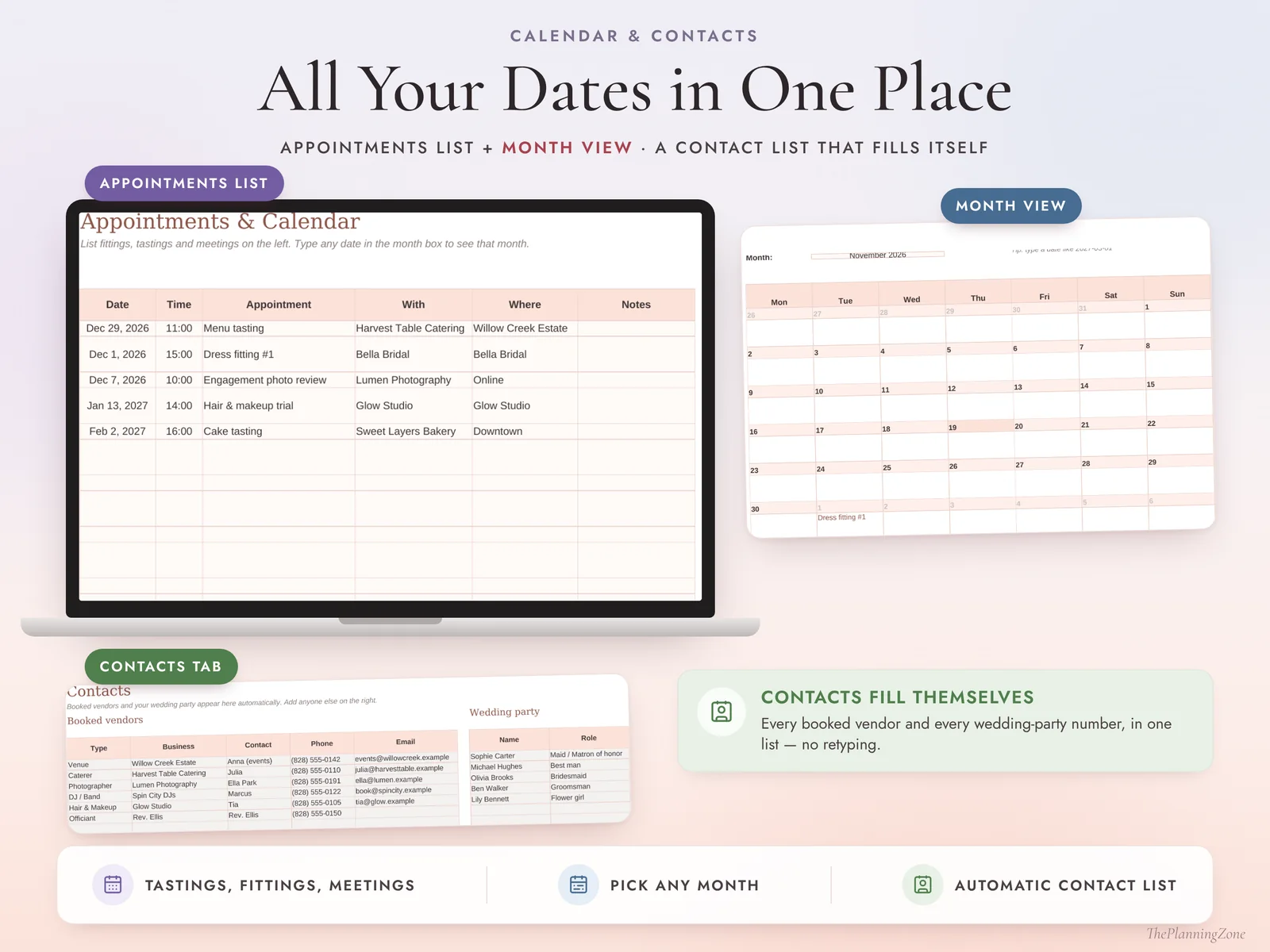
- Calendar, Vendors, Venues (compare up to 5) and Contacts.
Wedding day & after
- Day-of Timeline, Shots & Music and Honeymoon.
On the go
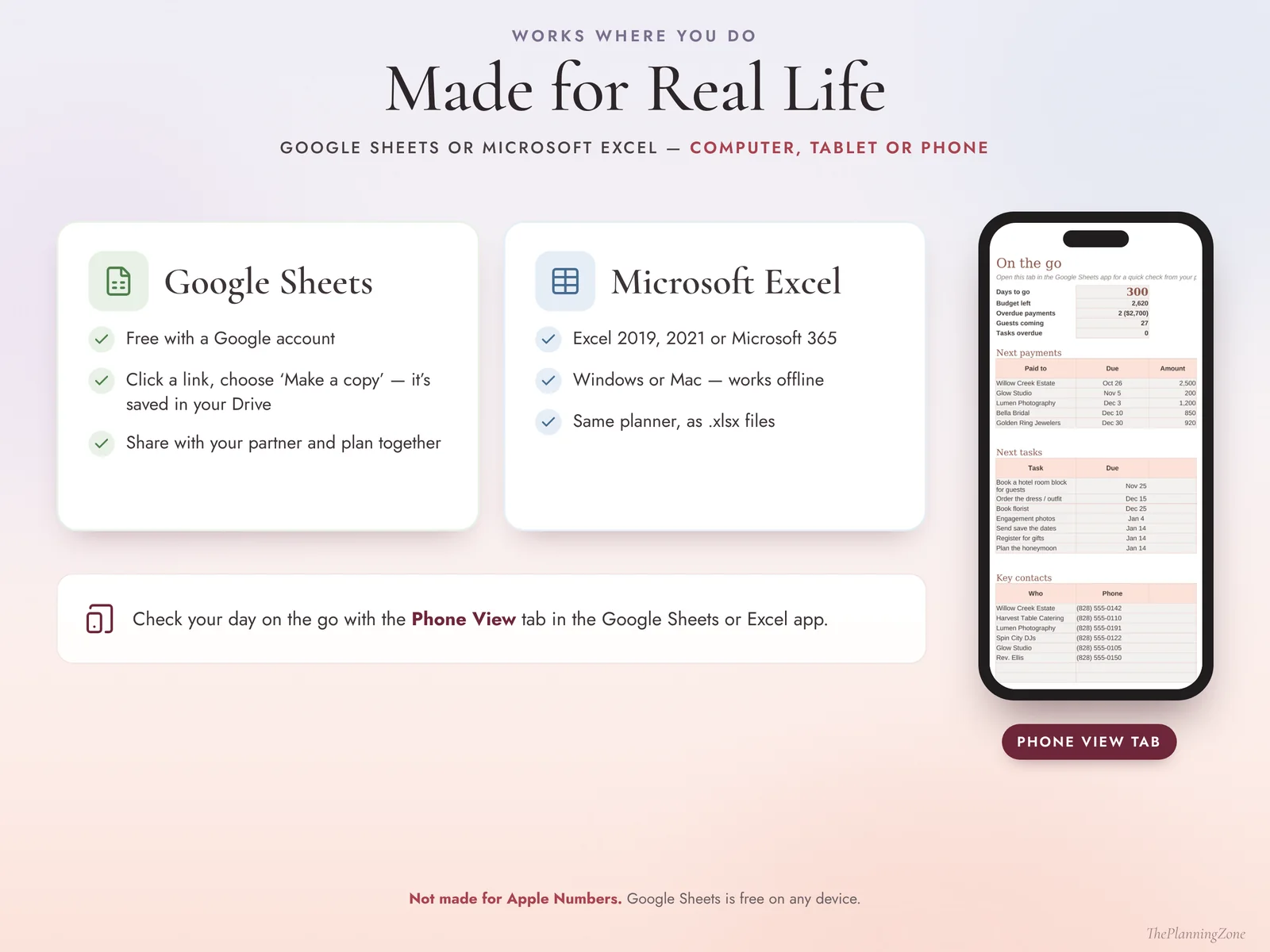
- Phone View: a simplified tab made for the Google Sheets mobile app.
- Notes: everything else.
Only need the basics? Use the 10 essential tabs and hide the rest. Nothing breaks.
Why couples like it
- Type it once: guests, costs and dates flow to every tab that needs them.
- Hard to break: light cells are yours to fill in; grey cells calculate automatically, and Google Sheets warns you before you edit one.
- Plan together: in Google Sheets, click Share and add your partner as an editor.
- Any currency: set it once in Setup.
What you get
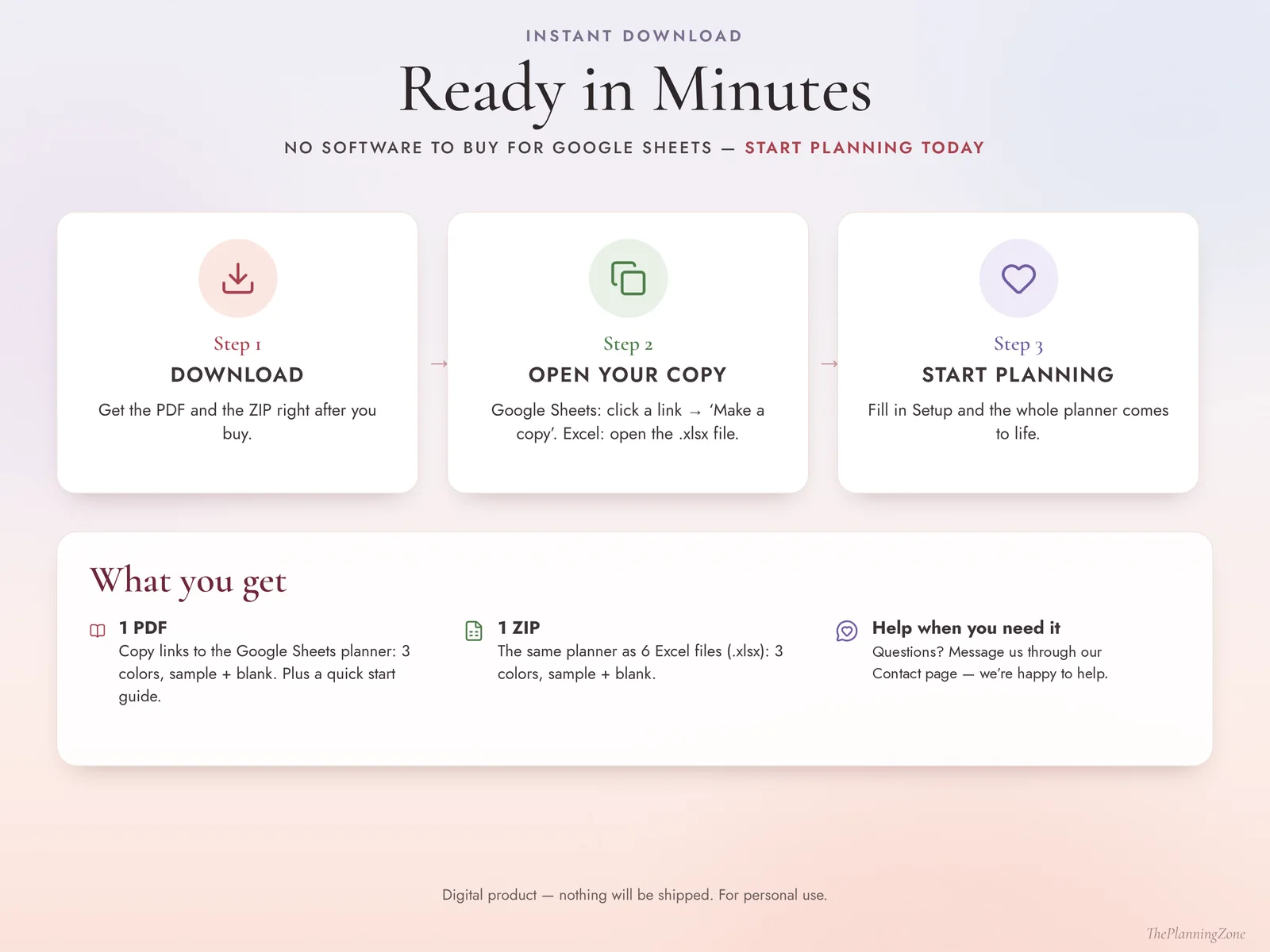
- 1 PDF with “Make a copy” links to the Google Sheets planner in 3 colors (sample + blank) and a quick-start guide.
- 1 ZIP with the same planner as 6 Excel files (.xlsx): 3 colors, sample + blank.
Compatibility: Google Sheets (free Google account) and Microsoft Excel 2019, 2021 or Microsoft 365 on Windows or Mac. Not designed for Apple Numbers.
This is a digital product. Nothing is shipped. For personal use only.
Prefer paper? Pair it with our printable Essential Wedding Planning Checklist.
FAQ
Do I need to buy any software?
No. Google Sheets is free with a Google account. If you prefer Excel, you need Excel 2019, 2021 or Microsoft 365.
Does it work on my phone?
Yes, in the Google Sheets app. Open the Phone View tab for a simpler layout on a small screen.
Can my partner and I edit it together?
Yes. In Google Sheets, click Share and add your partner as an editor. You’ll both see changes in real time.
Does it work with Apple Numbers?
No. The formulas and dropdowns are built for Google Sheets and Excel. Mac users can use Google Sheets in any browser or Excel for Mac.
Can I change the currency, events and categories?
Yes. Set your currency and rename events, meals, tables and vendor types in the Setup tab. Every dropdown updates.
How do I get my files?
Right after checkout you’ll get download links on the order page and in your confirmation email. Questions? Contact us and we’ll help.

Reviews
There are no reviews yet.